Save it now. Share it later.
Save any link from any app — Safari, YouTube, Reddit, X — schedule a reminder, add a custom note, and share it when the moment is right.
Save any link from any app — Safari, YouTube, Reddit, X — schedule a reminder, add a custom note, and share it when the moment is right.
Ever come across a great article, video, or website but it's not the right moment to share it? Save it now — Link Later will remind you to share it later, with the note you wrote when you found it.
A focused tool that does one thing well — and respects your data while it does.
Use the Share Extension to save links from any app — Safari, Chrome, YouTube, Reddit, X, and more.
Set a date and time to get notified. Never forget to share that perfect link.
Add a personal message, hashtag, or note that gets included when you share the link.
Search, sort, and filter your links. Find what you need instantly.
Your links are automatically synced across all your Apple devices.
Access your latest saved links right from your Home Screen.
A clean, native iOS interface that gets out of your way.
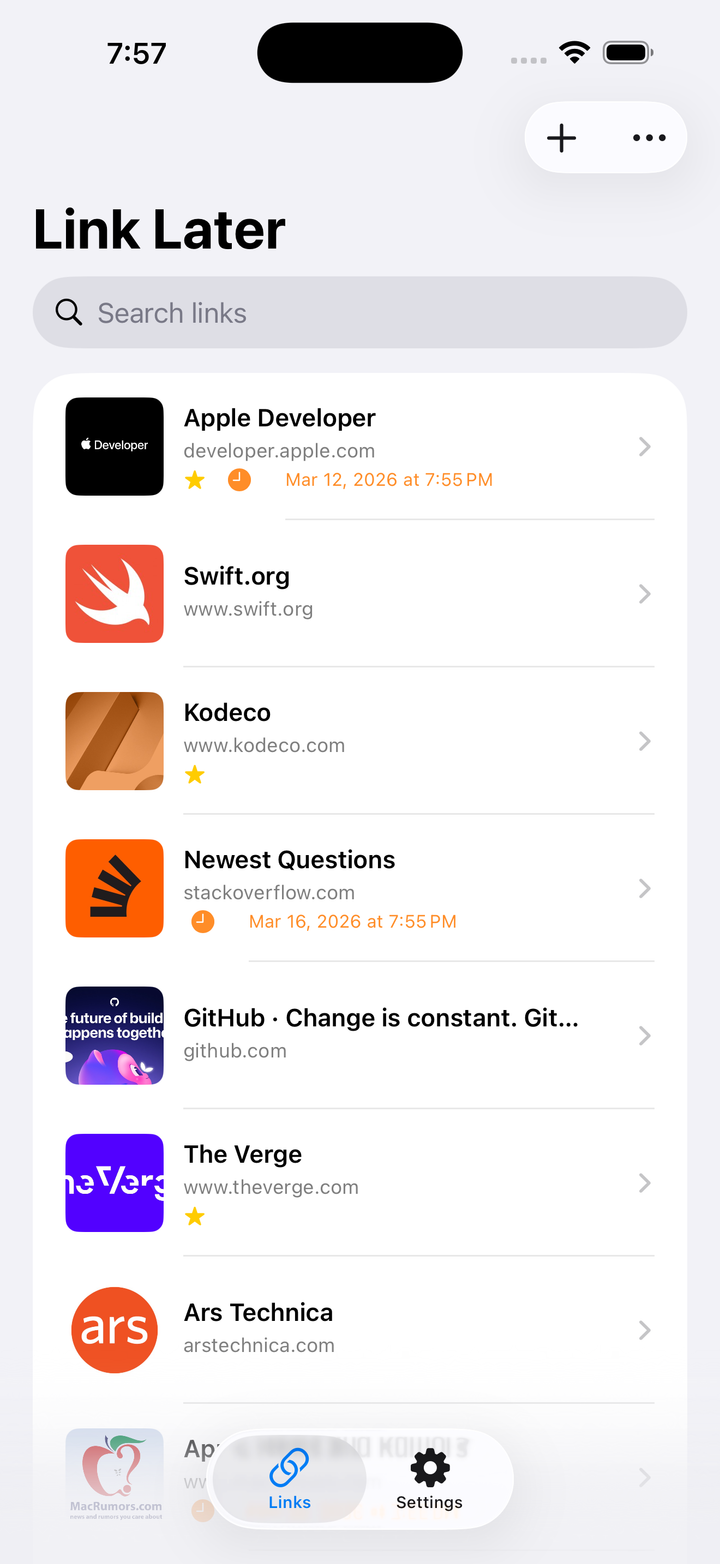
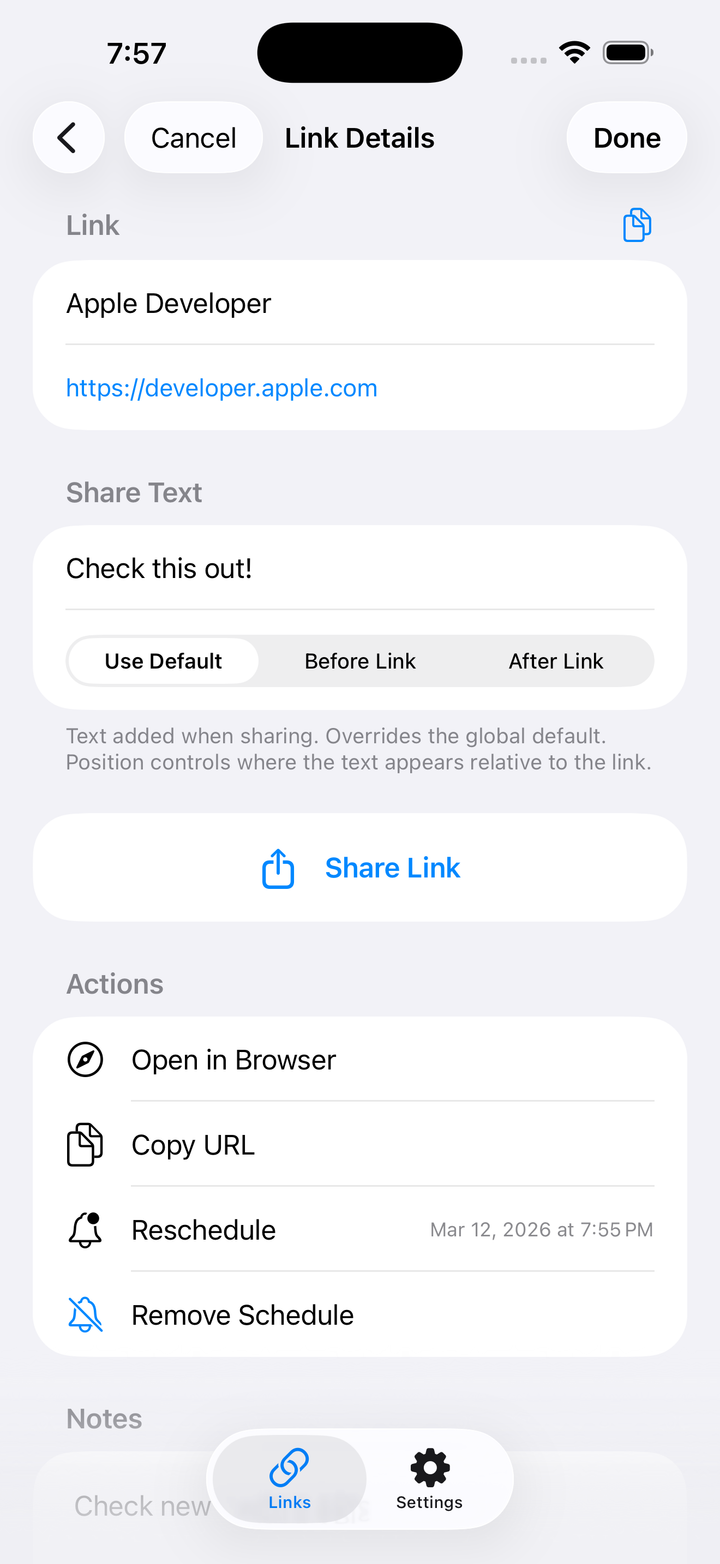
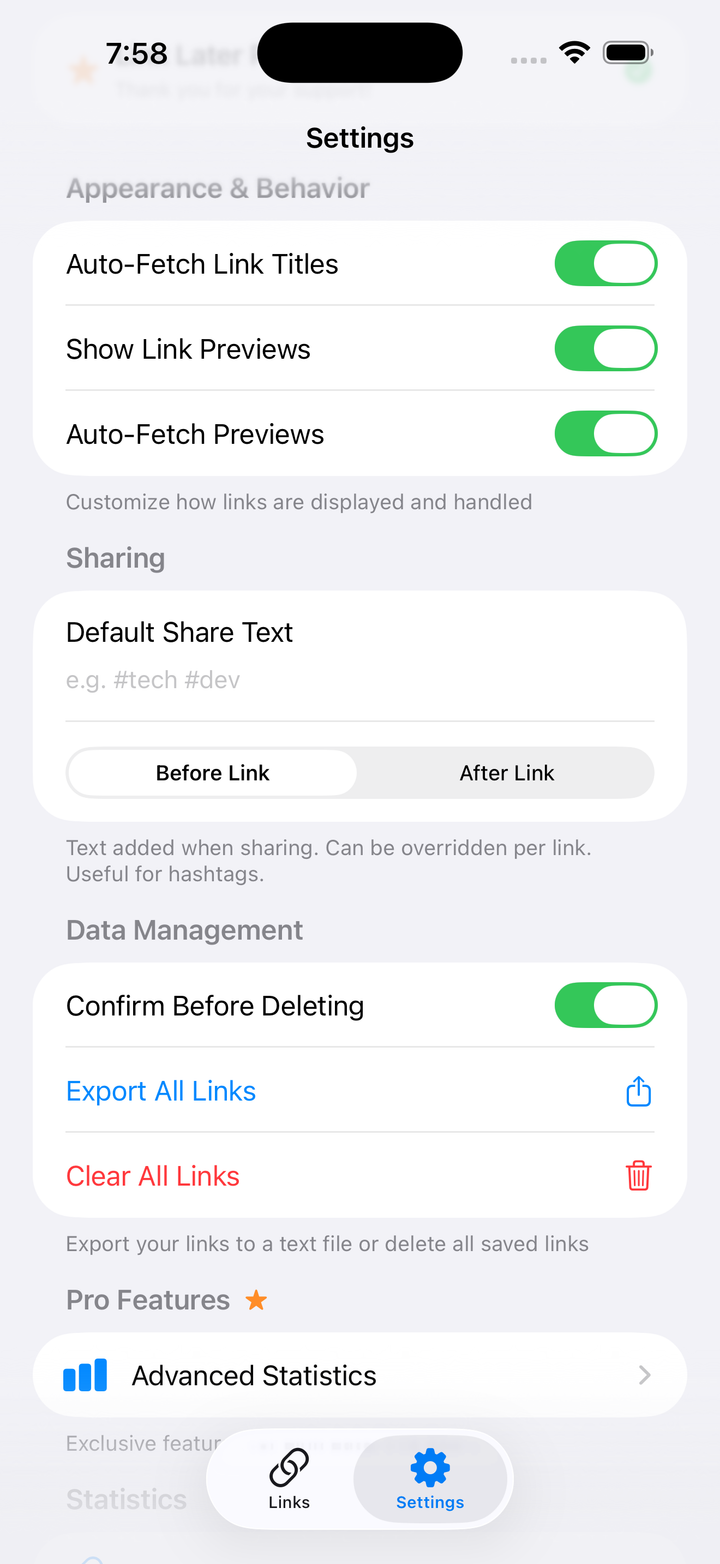
Free covers the essentials. Pro removes limits and adds power-user tools.
Use the iOS Share Sheet in any app — Safari, Chrome, YouTube, Reddit, X, and more — and tap the Link Later icon. The link, its title, and any thumbnail are saved instantly. You can then add a note, hashtag, reminder, or custom share text.
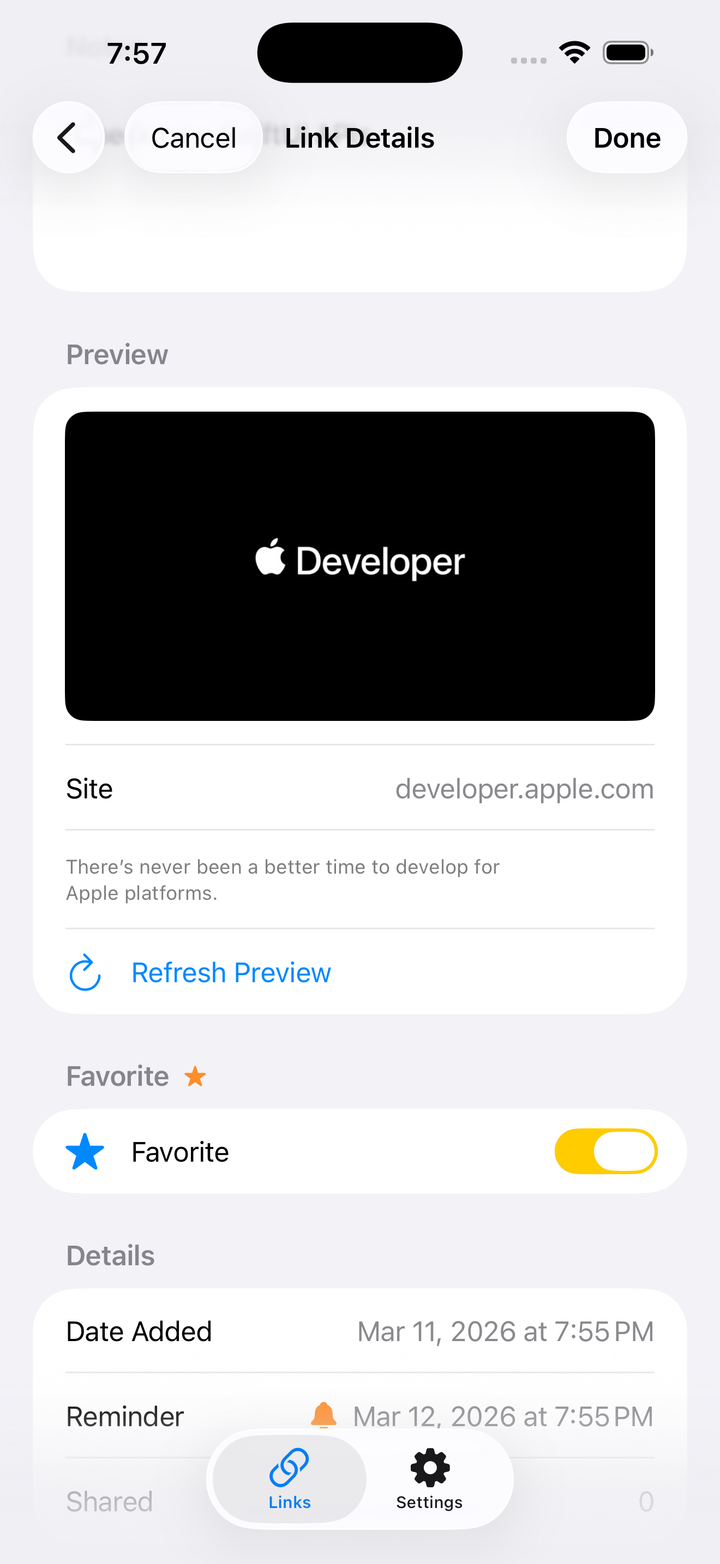
Pro removes the 15-link limit from the free tier and adds Favorites (mark and filter the most important links), Link Previews (visual thumbnails in the list), Export Links (save all links to a file), and Advanced Stats (detailed sharing analytics).
On your device and in your personal iCloud account via Apple's CloudKit. Link Later operates no external servers; data syncs across the Apple devices signed in with the same Apple Account. The developer has no access to your data.
No. Link Later does not use any third-party analytics, advertising, or tracking services. There are no third-party SDKs in the app.
Set a date and time when saving (or later editing) a link. iOS sends a notification at the scheduled time so you can open Link Later and share that link with the custom text you wrote earlier.
Link Later stores the links you save, including URLs, titles, notes, and scheduling information. This data is stored locally on your device and synced via Apple's iCloud (CloudKit) to your other devices signed in with the same Apple Account.
Link Later does not use any third-party analytics, advertising, or tracking services. Your data stays between you and Apple's iCloud infrastructure.
We do not sell, share, or transfer your personal data to any third party.
All data is stored on your device and in your personal iCloud account. We do not operate any external servers. Deleting the app removes all local data. iCloud data can be managed through your device's iCloud settings.
Link Later Pro subscriptions are handled entirely through Apple's App Store. We do not collect or store any payment information.
The Developer grants you a limited, non-exclusive, non-transferable, revocable license to use the App on any Apple device that you own or control, subject to the Apple Media Services Terms and Conditions.
You may not copy, modify, or distribute the App or any part of it; reverse engineer, decompile, or disassemble the App; rent, lease, lend, sell, or sublicense the App; or use the App for any unlawful purpose.
Link Later offers auto-renewable subscriptions to unlock Pro features. Payment is charged to your Apple Account at confirmation of purchase. Subscriptions automatically renew unless cancelled at least 24 hours before the end of the current period. You can manage and cancel subscriptions in your Apple Account settings.
The App and all content, features, and functionality are owned by the Developer and are protected by copyright and other intellectual property laws.
The App is provided "as is" and "as available" without warranties of any kind, either express or implied. The Developer does not warrant that the App will be uninterrupted, error-free, or free of harmful components.
To the maximum extent permitted by applicable law, the Developer shall not be liable for any indirect, incidental, special, consequential, or punitive damages arising out of or related to your use of the App.
The App uses Apple's iCloud service to sync your data. Your use of iCloud is subject to Apple's terms and conditions. The Developer is not responsible for the availability or performance of iCloud services.
The Developer reserves the right to modify this Agreement at any time. Continued use of the App after changes constitutes acceptance of the updated terms.
Questions, feedback, or an integration you'd love to see? I'd love to hear from you.
Contact meUsually a reply within 1–2 business days.
Free download for iPhone & iPad. iCloud sync included.
Download on theApp Store