Publii Plugin: Social Media Icons
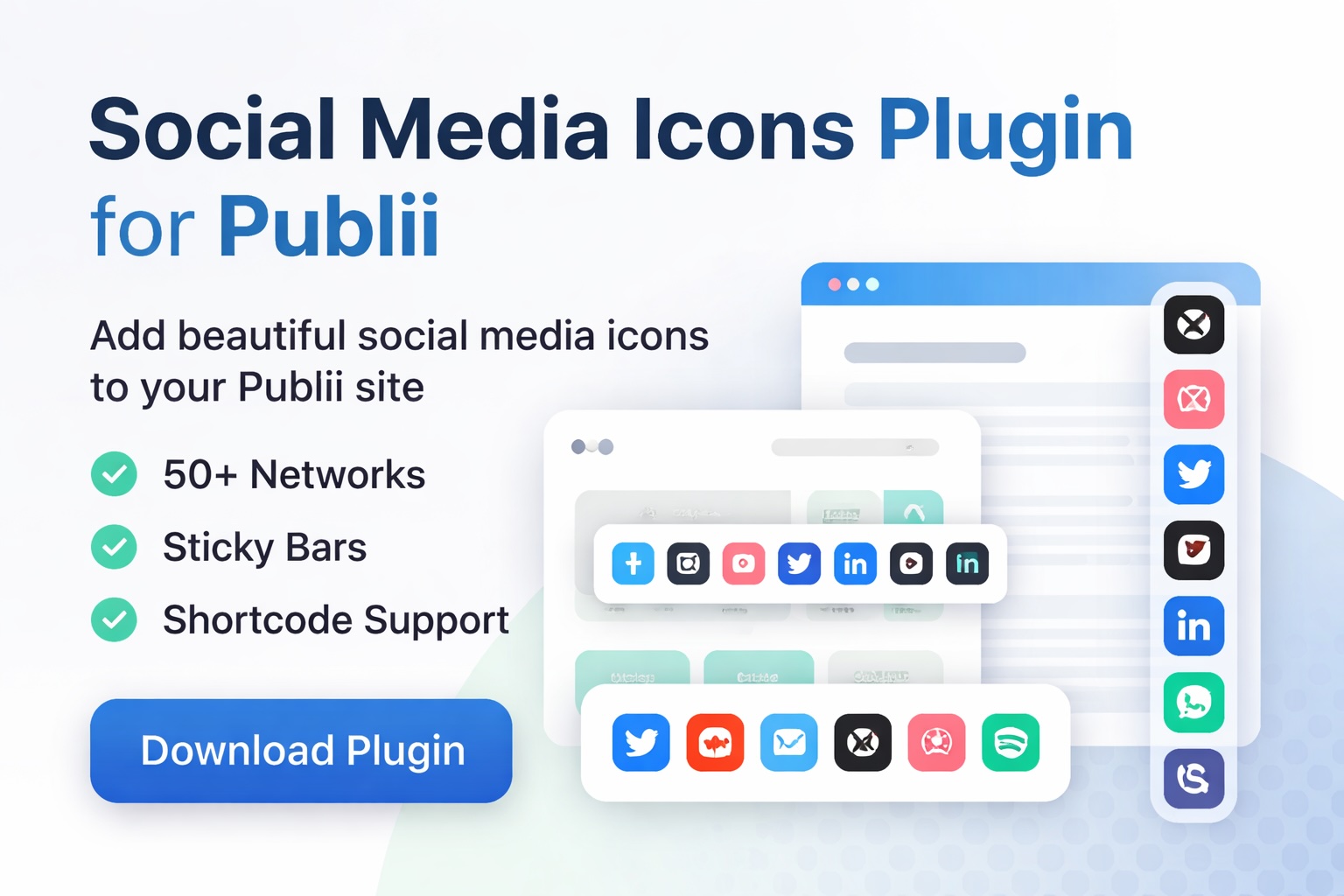
Add Beautiful Social Media Icons to Your Publii Site — In Seconds
Display clean, customizable social media icons anywhere on your site — or create a sticky floating bar that keeps your audience connected.
50+ networks. Full customization. Zero coding required.
What This Plugin Does
The Social Media Icons Plugin for Publii makes it incredibly easy to add professional-looking social icons to your website.
Whether you want icons in your footer, inside posts, or as a floating sticky bar — this plugin gives you complete control over how your social links appear.
No manual HTML.
No messy CSS.
Just install, configure, and publish.
Need support or having a suggestion, contact me!
Key Features
- Supports 50+ Social Networks
- Connect all your platforms in one place.
- Includes:
- Twitter / X
- YouTube
- TikTok
- GitHub
- Discord
- Telegram
- Mastodon
- Bluesky
- Spotify
- Patreon
- Ko-fi
- Substack
- Medium
- Threads
- Tumblr
- GitLab
- Stack Overflow
- Product Hunt
- Etsy
- Kickstarter
- And many more…
- You can show only the networks you use, in any order you choose.
- Includes:
- Sticky Floating Social Bar
- Keep your social links visible at all times.
- Display icons:
- On the left side
- On the right side
- At the top
- At the bottom
- Perfect for:
- Growing followers
- Increasing engagement
- Promoting communities
- Driving traffic to social platforms
- Insert Icons Anywhere with a Shortcode
- Place social icons exactly where you want.
- Just add:
- Use it in:
- Blog posts
- Pages
- Landing pages
- Custom layouts
- No coding required.
Fully Customizable Design
Match your site's branding perfectly.
Customize:
- Icon size
- Icon spacing
- Border radius
- Background color
- Icon color
- Hover color
- Alignment (left, center, right)
- Monochrome or Automatic Brand Colors. Each icon uses its official brand color instantly.
Beautiful Hover Animations
Make your icons feel alive. Subtle animations increase engagement and visual polish.
Choose from:
- Lift
- Grow
- Shake
- Pulse
- Spin
Show or Hide Labels
Display:
- Icons only OR
- Icons with text labels
Perfect for:
- Minimal designs
- Accessibility-friendly layouts
- Clear navigation
Smart Icon Ordering
Control exactly how icons appear.
Set your preferred order like: instagram,twitter,github,linkedin
Everything else automatically follows.
Simple and powerful.
Why You'll Love It
- Works with any Publii theme
- No coding needed
- Lightweight and fast
- SEO-friendly
- Fully responsive
- Clean, modern design
- Easy to configure
- Future-proof and expandable
Perfect For, this plugin is ideal for:
- Bloggers
- Developers
- Indie makers
- Businesses
- Content creators
- Agencies
- Open-source projects
- Newsletter creators
- Portfolio sites
If you have social links — you need this plugin.
Example Use Cases
Footer Social Links. Add icons to your site's footer automatically. Great for:
- Branding
- Trust
- Navigation
Floating Social Bar. Keep your social presence visible at all times. Perfect for:
- Increasing followers
- Promoting communities
- Boosting engagement
Inline Social Blocks. Useinside articles. Great for:
- Author sections
- Call-to-action blocks
- Newsletter promotions
Lightweight and Fast. This plugin is built for performance. It:
- Loads minimal CSS
- Uses optimized icons
- Avoids heavy scripts
- Keeps your site fast
Perfect for static sites.
Perfect for Publii.
Easy Setup:
Get started in minutes.
- Install the plugin
- Enter your social URLs
- Choose your style
- Publish your site
- Done.
Built Specifically for Publii
This plugin integrates cleanly with Publii’s:
- Insertions system
- Shortcodes
- Theme structure
- Static output workflow
- No hacks. No workarounds. Just native integration.
Frequently Asked Questions
Does it work with all Publii themes?
Yes — it works with virtually any Publii theme.
Can I place icons inside posts?
Yes.
Just use:
Can I customize colors?
Yes — fully customizable.
Or enable automatic brand colors.
Does it support sticky bars?
Yes — left, right, top, or bottom.
Is it mobile-friendly?
Yes — fully responsive.